Moving Beyond the £15k Typing Tax: Real Operational Automation
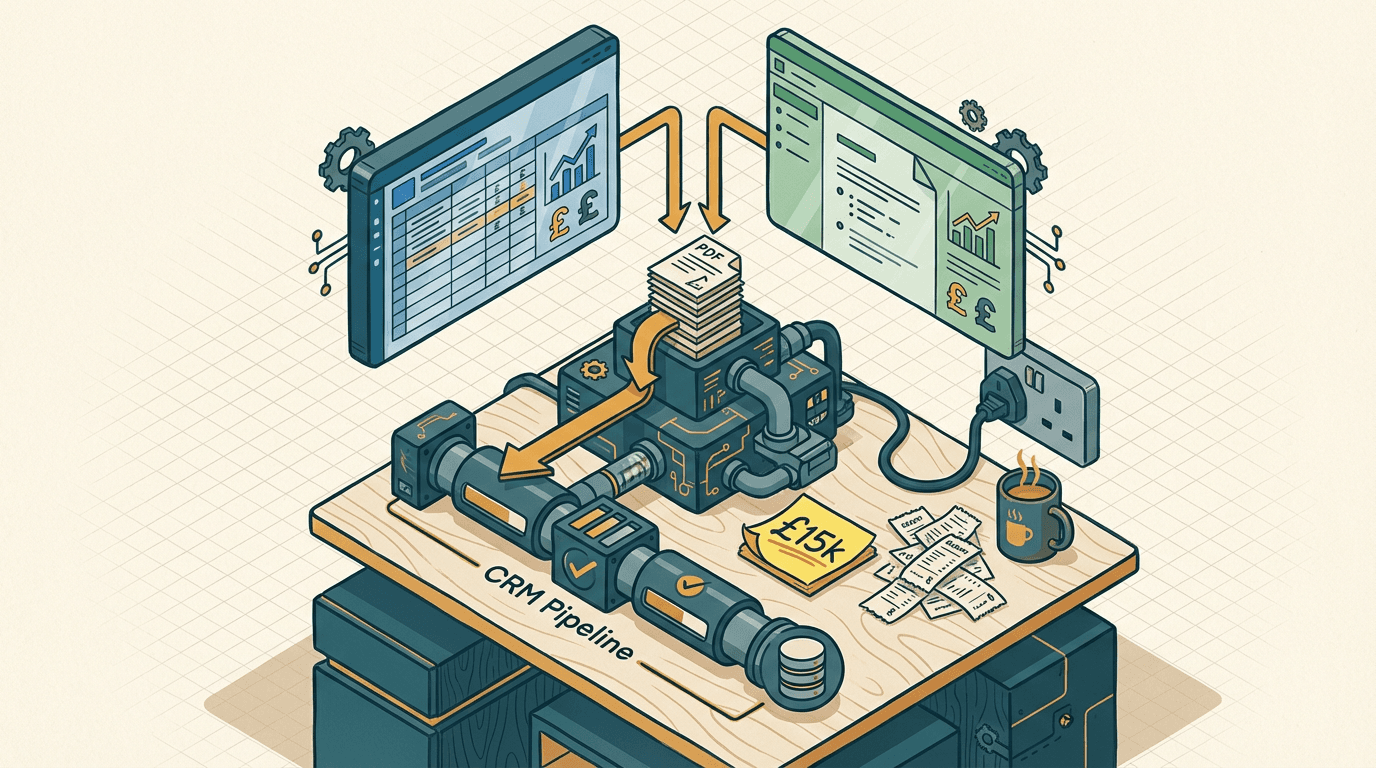
You're sitting in your office looking at a £15,000 annual software bill. Your IT provider just rolled out Microsoft Copilot or Google Workspace Gemini to your 50-person team. Everyone attended the mandatory training session. Everyone knows how to prompt the little chat box in the corner of their screen.
But nothing has actually changed on the ground.
Your ops manager is still manually copying data from emails into Xero. Your sales reps are still spending two hours a day updating HubSpot records. Your inbox is just full of longer, more politely worded emails generated by an LLM.
You bought an operational automation tool. You got a glorified typing assistant.
This is the reality for most mid-sized businesses right now. You're paying a premium for AI, but you aren't getting any actual operational output. The work still takes the exact same amount of time. It just looks a bit shinier.
The £15k typing tax
The £15k typing tax is the hidden operational cost of buying enterprise AI licenses that only accelerate document creation instead of automating business workflows. You pay a premium for Copilot or Gemini, expecting massive efficiency gains, but you only get faster drafting.
This happens because these tools live inside your office suite. They're tethered to Word, Excel, Google Docs, and Sheets. They're explicitly designed to help a human write a document, format a presentation, or summarise a meeting. They aren't designed to run your business in the background.
A 50-person SME doesn't struggle because people type too slowly. You struggle because data is trapped across six different systems. You have PDF invoices sitting in Outlook, customer records buried in Pipedrive, and billing details locked in Xero.
Paying roughly £25 per user per month for Microsoft Copilot or Google Workspace Gemini doesn't bridge that structural gap. It just makes the manual work feel slightly more modern. Your team still has to open the email, read the summary, and copy the numbers.
The human bottleneck remains completely intact. You're just paying a monthly fee to make the bottleneck feel more productive.
Why the native AI rollout fails
The native AI rollout fails because workspace assistants require a human to sit at a keyboard and manually trigger every single action. Most SMEs try to fix their broken operations by buying 50 Copilot licenses, assuming the AI will figure out the messy internal processes on its own.
It doesn't work. Here is the exact mechanism where it breaks. Copilot can read a long email thread in Outlook and draft a coherent reply. But it can't automatically extract a custom purchase order number from that email, cross-reference it with a live Airtable database, and silently approve a Xero invoice.
The AI is permanently trapped in the user interface.
In my experience, a 50-person team processes roughly 800 supplier emails a month. If you use Gemini to summarise those emails, your accounts assistant still has to read the summary, open QuickBooks, and type the numbers in manually. You've added a shiny AI step without removing the actual human labour.
This is the core misunderstanding of workspace AI. Native tools rely entirely on chat. You have to ask them to do something every single time. True operational AI relies on webhooks and background processing. It triggers automatically when an event happens, parses the incoming data, and updates the database without anyone pressing a button.
Buying Copilot to fix your operations is like buying a faster calculator when you actually need an automated Excel macro.
The headless workflow approach

The headless workflow approach connects your communication channels directly to a standalone LLM and your core databases without relying on a user interface. You bypass the Copilot or Gemini chat box entirely and build a system that runs silently in the background.
Here is what that actually looks like in practice. An email arrives in a dedicated accounts inbox with a supplier invoice attached. We don't want a human to read this email. We don't want a human to prompt an AI to read this email.
An n8n webhook triggers instantly upon receipt. It downloads the PDF attachment and sends it directly to the Claude API. We use Claude 3.5 Sonnet here because its vision model is currently far superior for parsing unstructured documents.
We give Claude a strict JSON schema. It extracts the supplier name, invoice date, line items, tax amounts, and the total figure. The n8n workflow then takes that structured JSON payload and queries Xero. It checks if the supplier already exists in your system.
If they do, it creates a draft bill. If the total matches the original purchase order stored in HubSpot, it automatically approves the bill. The accounts assistant only steps in if the webhook flags a specific exception. This replaces the £15k typing tax with actual, measurable automation.
Building this specific accounts payable flow takes about two to three weeks of focused work. You can expect to spend £6k to £12k on the build, depending heavily on how messy your existing Xero setup is. The ongoing cost is just your n8n hosting and the raw Claude API usage, usually around £80 a month.
The main failure mode here is hallucination during the data extraction phase. You catch this by enforcing strict data types in your JSON schema and building a hard validation step inside n8n.
If the extracted tax amount plus the net amount doesn't equal the gross amount, the workflow halts immediately and pings a dedicated Slack channel for human review. You remove the human from the data transfer layer entirely.
Where the headless model breaks down
The headless model breaks down when your inputs require subjective human judgement or rely on legacy on-premise software with no API access. You can't automate a workflow if the AI can't physically reach the underlying data.
If your logistics team receives handwritten delivery notes scanned as low-resolution TIFF files, standard LLM vision models will fail. The error rate jumps from 1% to something closer to 15%. You need dedicated OCR software to clean the image first, which significantly complicates the build.
It also fails completely if your internal process rules aren't documented. If your ops manager approves refunds based on a gut feeling about the customer, you can't build a prompt for that. An LLM needs explicit, measurable logic.
If customer tenure is greater than two years and the item value is under £50, approve the refund. You have to map this logic before you write a single webhook. If you skip this step, the system will just confidently make the wrong decisions at scale.
Three mistakes to avoid
- Don't buy licenses for the whole company on day one. Avoid the temptation to roll out Copilot or Gemini to all 50 employees just to see what happens. Your team will use it to write emails for two weeks, get bored, and revert to their old habits. You'll be stuck paying a massive annual subscription for zero operational return. Start with a five-person pilot group in a specific department with a clear use case.
- Don't use workspace AI for structured data transfer. Avoid asking a chat assistant to move data between your core systems. Copilot is great at summarising a Word document. It's terrible at reliably mapping nested fields from a client email into a complex Pipedrive CRM setup. When it fails, it fails silently, and you only find out when a sales rep loses a major deal. Use dedicated automation tools like Make or n8n for moving data.
- Don't ignore the hidden costs of shadow AI. Avoid letting individual managers expense their own ChatGPT Plus or Claude Pro subscriptions while you pay for Copilot centrally. This fragments your company data across multiple unmanaged accounts. It creates massive security risks and prevents you from building unified, company-wide workflows. Centralise your AI tooling and build actual operational systems.
Get our UK AI insights.
Practical reads on AI for UK businesses — teardowns, how-to guides, regulatory news. Unsubscribe anytime.
Unsubscribe anytime.