How to Navigate the Central Digital Platform Integration Tax
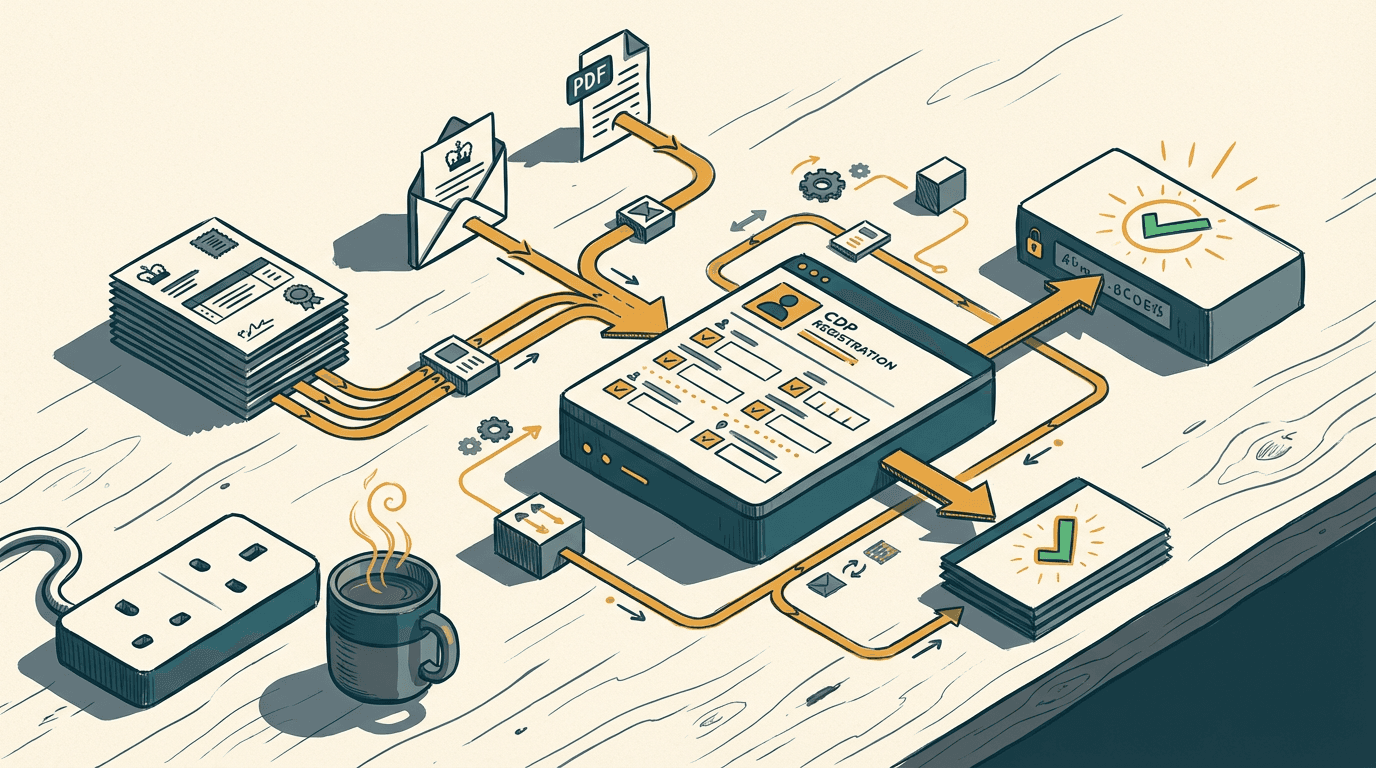
You just won a £45,000 public sector contract. The email arrives from the local council with a 14-page award PDF attached. Page three has a new requirement. Before they sign, you need to register on the Central Digital Platform for your unique supplier identifier.
The government portal itself is basic. You fill in your company details, hit submit, and get your ID. But that is where the simplicity ends.
Now your finance team has to ensure that specific identifier is stamped on every invoice, every compliance notice, and every CRM record linked to that buyer. If it isn't, the public body rejects the invoice. You don't get paid.
Here is what happens when you try to fix this with cheap automation.
The CDP integration tax
The CDP integration tax is the hidden administrative cost of manually mapping your new Central Digital Platform identifier across every invoice, CRM record, and compliance document after winning a public contract.
From 1 April 2026, suppliers awarded below-threshold public sector contracts must register on the Central Digital Platform to obtain a unique supplier identifier [source](https://www.techuk.org/resource/procurement-act-change-from-1-april-2026-public-sector-supplier-update.html). The rule applies to anything over £12,000 for central government or £30,000 for sub-central.
The registration takes five minutes. The tax comes immediately after.
Public sector billing is rigid. Under the new transparency rules, the government publishes payments over £30,000 quarterly. Contracting authorities are terrified of audit failures. If your Xero invoice lacks the exact identifier, it bounces back.
The government's goal is transparency. They want to track exactly where taxpayer money goes. But that transparency creates a massive administrative burden for suppliers. Once you win a contract, you are on the hook for perfect data entry across your entire financial stack.
So, your ops manager starts copying and pasting. They update the HubSpot deal. They create a custom field in Xero. They manually check every outgoing invoice to ensure the identifier matches the specific local authority.
It is a structural problem. The government built a central database for themselves, not an API for your business. You are left bridging the gap with human keystrokes.
This affects every SME selling into the public sector. The volume of below-threshold contracts means you are constantly updating records. It persists because founders view it as a minor admin task. It isn't. It is a margin killer.
Why off-the-shelf automation breaks on public sector PDFs
Off-the-shelf automation breaks because basic trigger-action tools cannot parse heavily nested government documents without silently dropping data.
Most SMEs try to solve this by throwing basic tools at the problem. They buy a Zapier subscription, connect their Microsoft 365 inbox to Xero, and hope for the best. They assume a simple workflow will handle the compliance data. It doesn't.
Off-the-shelf AI document parsers are a liability for compliance data. You cannot trust them with government identifiers.
In my experience, a £25/month ChatGPT Plus subscription cannot replace a structured data pipeline, and here is the mechanism.
When the award email lands, the standard approach is to use a Zapier trigger to send the attached PDF to a basic AI parser. You ask it to find the buyer name, the contract value, and the requirement. Then you use a Zapier 'Find Contact' step in Xero to update the record.
Here is what actually happens.
Government award PDFs are not clean text. They are heavily nested, unstructured tables built in legacy Microsoft Word templates. A local council might list their legal entity name in a sub-clause on page four, and the required billing reference on page twelve.
Zapier's Find steps can't nest. When your Xero supplier has a custom contact field two levels deep, the automation cannot handle the complexity. If the AI extracts "Camden Council" but Xero holds "London Borough of Camden", the Find step fails.
It doesn't alert you. It silently writes null.
The automation skips the update entirely. The invoice goes out a month later without the identifier. The council's finance system rejects it. You only notice at month-end when cash flow takes a hit and payroll is looming.
This is where the difference between a toy and a tool becomes obvious. A toy works perfectly in a demo when the data is clean. A tool works on a rainy Tuesday when the local council sends a corrupted Word document exported as a PDF.
You cannot rely on sequential, rigid tools to handle messy government data. A junior accounts assistant will spot the name mismatch. A basic Zapier flow will just fail in the dark. End of.
Building a deterministic extraction pipeline

A deterministic extraction pipeline uses strict JSON schemas and API-first architecture to pull compliance data from award letters and inject it directly into your accounting software.
You need a system that treats compliance data with respect. That means proper error handling and rigid data structures. Forget drag-and-drop toys. Here is the approach that actually works.
Let's take a worked example. An email arrives with the subject line "Contract Award: IT Services 2026". Attached is a 20-page PDF from a regional police force.
First, an n8n webhook catches the incoming email via the Microsoft Graph API. It strips the PDF attachment, converts it to base64, and prepares it for processing.
Next, n8n makes a direct API call to Claude 3.5 Sonnet. We do not use a generic prompt. We enforce a strict JSON schema. The API is instructed to return exactly four keys: contracting_authority_name, award_value, cdp_identifier_required (a boolean), and buyer_reference_code.
Claude parses the messy PDF, navigates the nested tables, and returns a clean JSON object.
Then, n8n queries your Supabase database. It runs a fuzzy match on the contracting_authority_name to find the exact internal ID you use for this buyer in your systems. It checks if you already hold an identifier for them.
If you don't, the workflow halts the automated update. It sends a Slack message to your ops manager: "New contract won. Registration required for [Buyer]. Click here to register." It waits for human confirmation.
If you do have the identifier, the system moves to the final step. n8n executes a PATCH request to the Xero API. It updates the specific invoice line items and injects the Share Code into the reference field. Simultaneously, it updates the HubSpot company record to mark the account as compliant.
You also need to handle the edge cases natively. If the award_value comes back as a string instead of an integer, the JSON schema validation catches it before it ever reaches Xero. The webhook simply retries the extraction with a stricter parameter.
The system logs everything. If Claude fails to parse the PDF entirely, the workflow catches the error and routes it to a human review queue. No silent nulls. No missing data.
Building this takes two to three weeks. Expect to spend £6,000 to £12,000 depending on how clean your existing Xero and HubSpot data is.
It sounds expensive until you calculate the cost of delayed public sector payments. A deterministic pipeline guarantees your invoices match the government's Central Digital Platform records every single time. It works.
Where this breaks down
This approach breaks down when your foundational data is messy or your buyers still rely on scanned, non-digital documents.
I do not build this for everyone. You need to check your inputs before committing to a custom pipeline.
If your public sector clients are modern and send digital PDFs, the system hums. But if you deal with legacy local authorities who still send scanned TIFFs or faxed award letters, this approach hits a wall.
You need OCR first. Once you run a scanned document through an OCR layer before the LLM, the error rate jumps from 1% to roughly 12%. A smeared ink mark turns a '0' into an '8'. Your contract value is suddenly wrong, and the JSON schema breaks.
Legacy systems are stubborn. If the council uses an archaic procurement portal that doesn't trigger email notifications, your webhook has nothing to catch. You end up writing custom scraping scripts, which are brittle and expensive to maintain.
Also, check your Xero hygiene. If you have fourteen duplicate contacts for the same local council, no API can save you. The fuzzy match will pick the wrong one, update a dormant record, and leave your active invoices blank.
Clean your CRM and accounting software first. Consolidate your contacts in Pipedrive or HubSpot. Standardise your naming conventions. If your foundational data is a mess, automating it just makes the mess faster. Fix the basics, then build the pipeline.
Three questions to sit with
You now have the mechanics. The April 2026 changes are live, and the government is not going to relax their invoicing rules.
Here is what to ask yourself before you build anything:
- When a public sector award letter lands in your inbox today, exactly how many manual steps does it take to get that data into your accounting software?
- If an invoice is rejected next month for missing a Central Digital Platform identifier, how long will it take your team to trace the error back to the original contract?
- Are you currently paying for off-the-shelf automation tools that silently fail when they encounter nested data or mismatched contact names?
Fix the data flow. The registration is just the start.
Get our UK AI insights.
Practical reads on AI for UK businesses — teardowns, how-to guides, regulatory news. Unsubscribe anytime.
Unsubscribe anytime.