The Enrichment Erasure Tax: Why Automated CRM Cleaning Fails Sales Teams
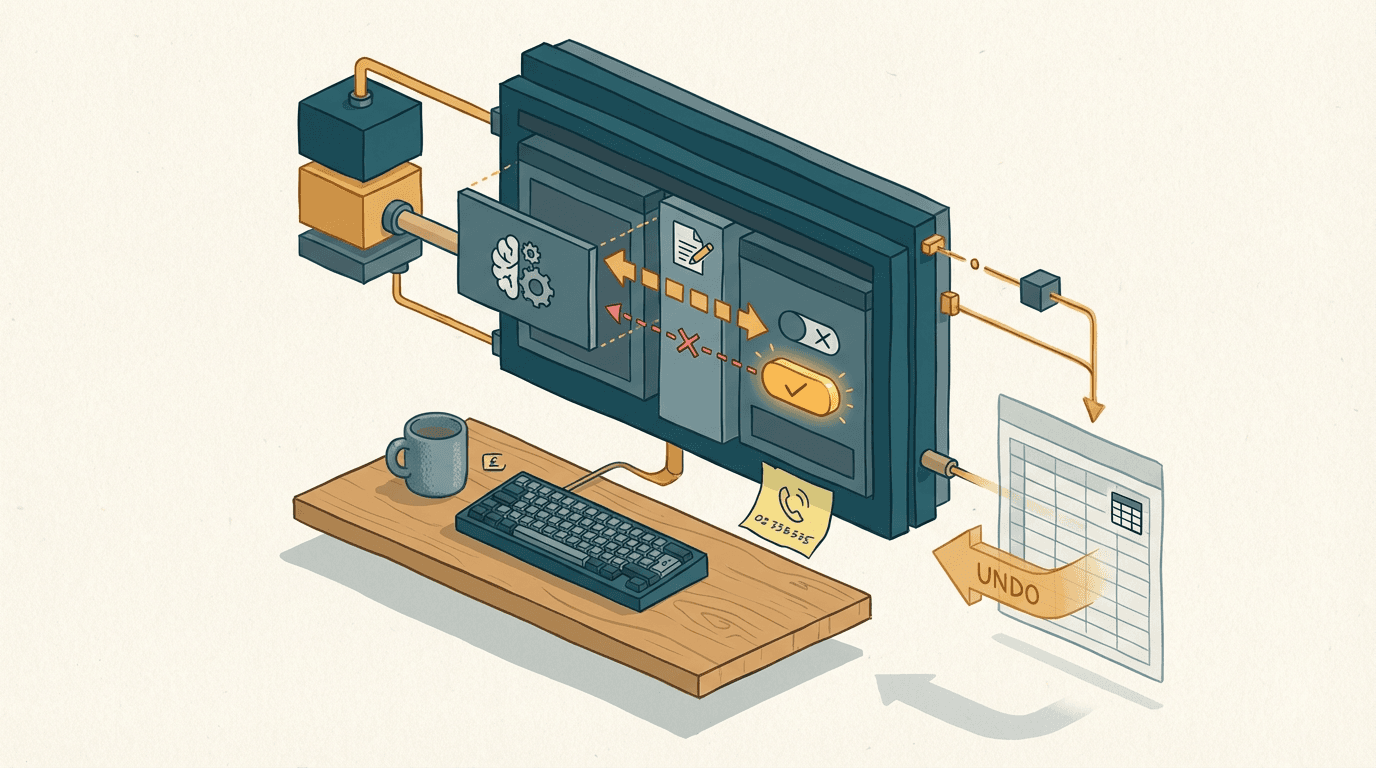
A sales rep opens HubSpot to call a prospect they spoke to last week. The prospect was the VP of EMEA Logistics, a key decision-maker for a £100k contract.
Now, the CRM says their title is Logistics Associate. Their direct mobile number is gone. In its place is the company's generic London switchboard number.
The rep assumes the system glitched. They manually type the mobile number back in from their notebook.
Two days later, it vanishes again.
This is not a bug. Someone in marketing clicked Turn on auto-enrichment in the new HubSpot Breeze settings, hoping to clean up a messy email list. They wanted better data. Instead, they unleashed an automated process that actively fights the sales team.
CRM data hygiene is the foundation of any serious sales operation. But once you add generative AI into the mix without strict boundaries, things break in unpredictable ways.
The enrichment erasure tax
The enrichment erasure tax is the hidden cost of AI overwriting your team's manually verified CRM data with generic scraped alternatives.
When HubSpot launched Breeze Intelligence in the autumn of 2024, the pitch was simple. You get a built-in AI engine connected to 200 million company profiles. It fills in the blanks in your CRM automatically.
But a CRM isn't a static spreadsheet. It's a living record of human interactions.
Your top sales rep spends three months figuring out that the Director of Operations is actually the sole decision-maker for software purchases. They update the contact record. They add the direct mobile number they got over a coffee.
Then, the marketing team turns on global data enrichment to clean up their webinar lists. The AI scans the record, checks its massive database of public LinkedIn profiles and corporate directories, and decides your rep is wrong.
It silently replaces the bespoke job title with the official, useless corporate title. It swaps the direct mobile number for the London HQ switchboard.
The enrichment erasure tax is paid in three ways.
First, you lose the deal because your rep calls the switchboard and gets blocked by a gatekeeper.
Second, you lose the trust of your sales team. They stop putting valuable data into HubSpot because they know the machine will just eat it.
Third, you pay your operations manager to spend hours digging through property history logs to manually revert the changes.
It's a mess. Nobody knows why the data changed. End of.
You can't run a scalable sales operation if your foundation keeps shifting overnight. The default behaviour of most AI tools is to assume they are right and the human is wrong. In reality, the human who just got off a 45-minute discovery call has infinitely better context than a language model parsing a three-year-old press release.
Why set-and-forget auto-enrichment fails
Native set-and-forget auto-enrichment fails because it assumes a scraped public database is more accurate than your sales team's private conversations.
Most SME owners look at their messy HubSpot database and want a silver bullet. They go to the Data Enrichment settings, see the shiny new Breeze Intelligence toggles, and switch Automatically enrich new records and Ongoing updates to ON. They assume the AI will just tidy things up in the background.
Not true. Here's what actually happens.
Breeze runs a batch update across your database. It uses large language models to match your contacts against public web data. But public data is designed for PR, not for sales.
The exact failure mode is priority mapping. Natively, if a field like Industry or Company Revenue is populated, the ongoing enrichment process often forces the public data over the private data. It assumes the 200-million profile database is the of truth.
If your sales rep logged the company revenue as £12M based on a candid discovery call, but Companies House or a scraped press release says £5M, the AI overwrites the £12M. You just lost your qualification criteria.
In my experience, when you run 1,000 active contacts through default AI enrichment without safeguards, about 150 get their bespoke job titles or direct contact details wiped out by generic HQ data.
And yes, that's annoying. But the deeper issue is that you can't nest logic in a simple toggle.
You can't tell the native auto-enrichment, Only update the job title if the current title contains the word 'test' or is entirely lowercase. It's an all-or-nothing hammer. You either let the generative guesses run wild across your entire database, or you turn it off and live with the mess.
Most companies choose the hammer. They trade high-fidelity, hard-won sales intelligence for a neat, perfectly formatted CRM full of useless corporate defaults.
The shadow-field validation pipeline

To clean data safely, you must isolate the AI's guesses in hidden fields and use a deterministic workflow to decide what gets promoted to the live CRM.
Don't let the AI touch your official properties. You need a buffer.
First, go into your HubSpot Data Enrichment settings. Turn Automatically enrich new records OFF. Turn Ongoing updates OFF. Then, go to the Tools tab and turn Workflow Automations ON. You're taking the keys away from the background process.
Next, create a custom property group in HubSpot called Breeze Shadow Data. Create custom fields for everything you want to enrich. You need a Shadow Job Title, a Shadow Company Revenue, and a Shadow Industry.
Now, build a HubSpot Contact-based workflow. Set the trigger to fire when a new contact is created, or when an existing contact lacks a job title.
The first action in the workflow is the Breeze Enrich Record step. But you map the outputs strictly to your shadow fields. The official Job Title field remains untouched.
Pay attention to this part. You now have the raw AI guesses safely quarantined.
Add a Webhook action to your HubSpot workflow. Send the contact payload to an automation builder like n8n.
In n8n, the webhook parses the JSON. It takes the Original Job Title and the Shadow Job Title and sends them to the Claude 3.5 Sonnet API.
You give Claude a strict JSON schema and a very specific prompt. You are a RevOps data cleaner. Look at the user-provided title and the AI-provided shadow title. If the user provided a title, map it to our exact internal taxonomy (C-Level, VP, Director, Manager). If the user title is blank or obvious garbage like 'asdf', use the shadow title and map it. Return only valid JSON.
Claude processes the logic. Because you enforce a strict schema, it can't hallucinate a new tier. It must return one of your exact values.
Finally, n8n takes that cleaned, validated JSON response and makes a PATCH request back to the HubSpot API, updating the official Job Title field.
You get the power of Breeze's massive database, but filtered through your exact business rules.
A build like this takes 2 to 3 weeks of dedicated work. Expect it to cost £4k to £8k depending on your existing n8n infrastructure, plus the cost of HubSpot Breeze credits and fractions of a penny per Claude API call.
The most common failure mode here is Claude rejecting the input if the shadow data is completely unreadable. You catch this by adding an error node in n8n that routes failed executions to a Slack channel. Your ops manager reviews the Slack alert, clicks a link to the HubSpot record, and fixes it manually.
Where the shadow pipeline breaks down
This architecture fails completely if your target market doesn't exist in the public databases that feed the enrichment engines.
You need to test the water before you build the plumbing. Breeze Intelligence pulls from a massive pool of public profiles. But if you sell to niche B2B manufacturing, stealth startups, or local high-street retail, those companies don't have rich digital footprints.
If the public data is missing, Breeze returns null. The shadow fields stay empty. n8n sends nothing to Claude, and the pipeline skips the record entirely.
Before committing £8k to a custom build, run a manual test. Take 50 of your worst-quality CRM records. Manually click the Enrich Record button in HubSpot.
If the match rate is under 30 percent, don't build this automation. The AI can't guess what it can't see. You don't need a sophisticated API pipeline. You need a junior analyst or a dedicated researcher to pick up the phone and verify the details.
Also, beware of legacy integrations. If your invoices come in as scanned TIFFs from a legacy accounting system like Sage 50 and you try to route them through an upstream flow before hitting HubSpot, you need OCR first. The error rate jumps from 1 percent to around 12 percent. Keep the pipeline focused on native CRM text data.
You must also account for API rate limits. If you import a list of 10,000 contacts from an old spreadsheet, don't dump them into the workflow all at once. The n8n webhook will hit Claude's rate limits, the executions will queue, and your Slack channel will flood with error alerts. Batch your imports in chunks of 500.
Three questions to sit with
- When a sales rep updates a contact's phone number today, is there any automated system running in the background that could silently overwrite it tomorrow?
- If you exported your entire CRM right now, what percentage of your job titles fit neatly into a standardized taxonomy versus being a chaotic mess of free-text entries?
- Are you paying for AI enrichment tools to do the thinking for you, or are you using them to gather raw material that your own business rules can process?
Get our UK AI insights.
Practical reads on AI for UK businesses — teardowns, how-to guides, regulatory news. Unsubscribe anytime.
Unsubscribe anytime.