Building Compliant AI Workflows Under the Data (Use and Access) Act 2025
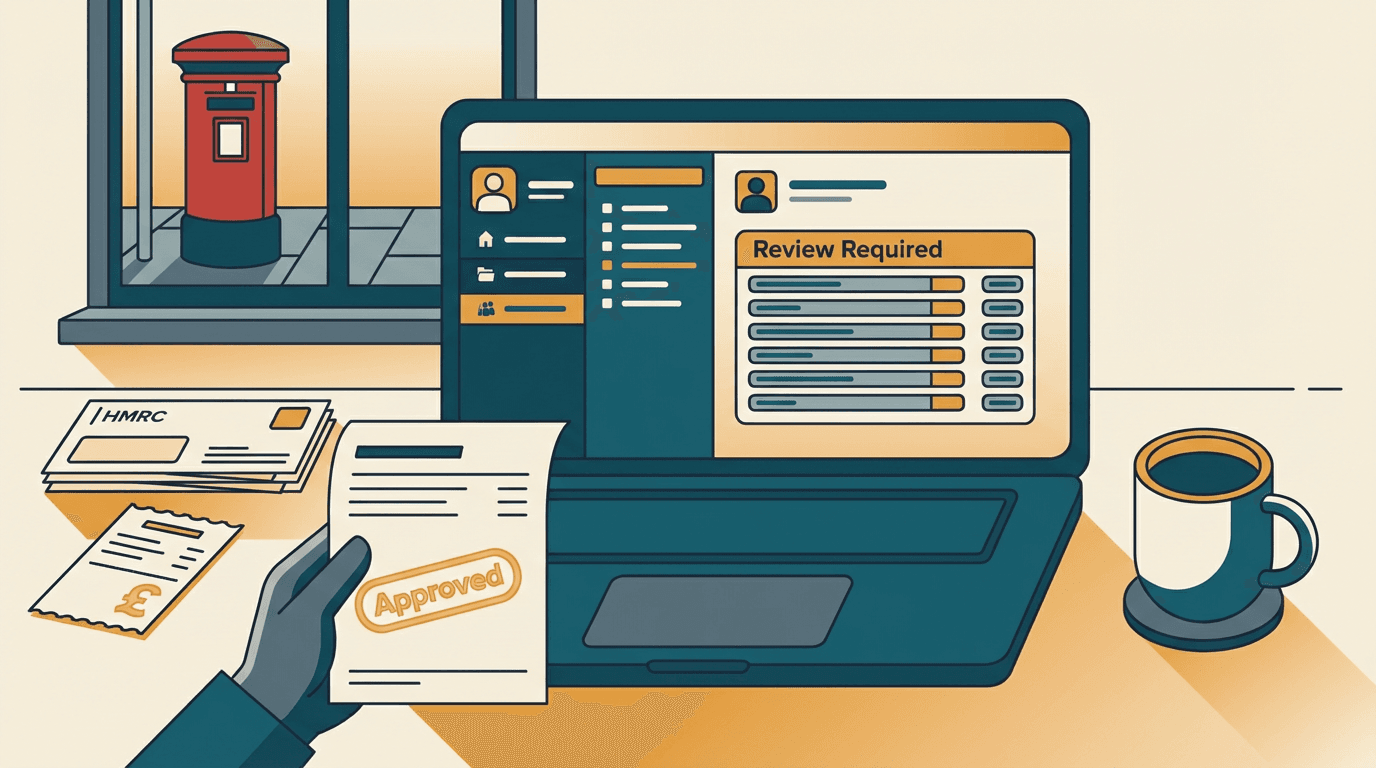
Your ops manager is staring at a screen in Xero. A supplier invoice just posted itself, approved itself, and queued itself for payment. Nobody touched it.
Six months ago, you would have called this a massive win. Now, under the Data (Use and Access) Act 2025 (DUAA), it's a compliance failure waiting to happen.
The rules on automated decision-making just changed. You can use AI to make decisions now, but you have to prove a human is actually in the loop.
A real human, making a real choice. Not just a junior assistant clicking 'Approve All' at the end of the day. Here is how you actually build a compliant system.
The rubber-stamp illusion
The rubber-stamp illusion is the false belief that having a human click 'approve' on an AI-generated outcome satisfies the legal requirement for meaningful human intervention. You see this everywhere in UK businesses right now. A system flags a transaction. A human clicks okay. The company thinks they're compliant.
The DUAA 2025 liberalises automated decision-making across the board, but it anchors that freedom to strict algorithmic transparency requirements [source](https://www.comparethecloud.net/articles/uk-ai-ethics-and-governance-framework-2025-comprehensive-guide-for-british-businesses/). You no longer need explicit consent for every automated choice. This opens up massive operational freedom for SMEs.
But that freedom comes with a strict safeguard. You must provide a route for genuine human review, and your governance framework must be structured enough to prove it [source](https://www.dpocentre.com/data-protection-ai-governance-2025-2026/). The human can't just be a passive observer. They must have the authority and the context to change the outcome.
This is where the illusion takes hold. SaaS vendors sell human-in-the-loop as a simple checkbox feature. You buy a tool. It flags a customer application as high-risk. Your accounts assistant looks at the flag. They assume the AI knows best. They hit confirm.
The Information Commissioner's Office calls this automation bias. When the audit hits, your system logs show 400 approvals processed in 12 minutes by one person. That is not oversight. That is a rubber stamp. It proves the human was physically present, but it fails to prove they were mentally engaged.
If a customer contests an automated rejection under the new rules, you have to prove why the decision was made. A log showing a blind approval won't protect you. You need a system that forces the human to actually think.
Why the Zapier delay step fails
The Zapier delay step fails because it logs a binary button press instead of capturing the actual human reasoning required for compliance.
Most SMEs try to solve the oversight problem with this simple automation patch. They build a flow triggered by a new email in Outlook. The action is a ChatGPT prompt that extracts data and decides if a refund is valid.
To add the required human oversight, they insert a Slack message step with a 'Click to approve' button. It feels like a clean fix. The AI does the heavy lifting, and the human gives the final nod.
But adding a Slack button doesn't create human oversight. It creates alert fatigue. Here is what actually happens on the ground.
The Zapier webhook fires. The Slack channel pings. For the first two days, your team reads the JSON payload carefully. By day three, the ops manager is busy. They see the green button. They click it. Zapier resumes the run.
The tool behaviour here is strictly binary. The Slack integration passes a true or false state back to the workflow. It captures no reasoning. It logs no human context. The webhook simply registers that a button was pressed.
If you face a compliance check, your audit trail just says 'Slack button clicked at 14:02'. That fails the DUAA test for meaningful intervention. You can't prove the reviewer looked at the original data.
In my experience, most SMEs who try this hit the exact same wall. The system silently degrades from human oversight to human muscle memory. The technology works perfectly, but the operational design sets the human up to fail. You have to design the workflow so that mindless clicking is physically impossible.
Building the context-forced gateway

A context-forced gateway is an internal dashboard that stops an automated workflow dead until a human reviewer inputs a specific, logged reason for their decision. You need an interface that demands engagement, not just a passing glance.
Here is a worked example. A supplier contract renewal arrives in a shared Gmail inbox. You want AI to read it, flag price hikes, and queue it for approval.
First, an n8n webhook triggers a Claude API call. You use a strict JSON schema to force Claude to extract the renewal terms, the percentage price hike, and the termination clause.
Crucially, n8n doesn't send this straight to Xero or Slack. It pushes the structured data into a Supabase PostgreSQL database. The automation stops here. The AI has made a recommendation, but it can't execute it.
Next, you build a simple Retool dashboard. This is where your ops manager logs in. When they open the dashboard, they don't see a simple 'Approve' button. They see the AI-extracted data sitting right next to the original PDF.
The interface forces them to act. To approve the renewal, they must select a specific reason from a dropdown menu. If they reject it, they must type a short note explaining why. The 'Submit' button remains disabled until they provide this context.
A system like this takes 2-3 weeks of build time. You should expect to spend £6k-£12k depending on how messy your existing integrations are.
The most common failure mode here is the AI hallucinating a clause that doesn't exist. Because the Retool dashboard displays the document side-by-side with the extracted JSON, the human catches the error immediately. They correct the field in Retool, and the clean data moves forward.
The database logs the exact user ID, the timestamp, the original AI recommendation, and the typed human reason. When the regulator asks for your compliance logs, you just export the Supabase table. It shows exactly who made the call and why.
You have mathematically proven that the rubber-stamp illusion isn't happening in your business. The human is fully in control.
Where the context-forced gateway breaks down
The context-forced gateway breaks down when your input data is trapped in legacy formats, forcing the human reviewer to correct raw text instead of evaluating business logic. This approach works well for clean data, but it isn't a universal fix. You need to check your data quality before you start building.
If your supplier invoices come in as scanned TIFFs from a legacy accounting platform, you need an OCR layer first. Once you add OCR before the LLM, the error rate jumps from 1% to around 12%.
When the error rate is that high, the human reviewer stops reviewing decisions. They end up correcting raw text. The dashboard turns into a data entry screen. The oversight process breaks down because the human is too busy fixing typos to think about the actual business logic.
You also need to check your transaction volume. If you process 50 decisions a day, the Retool dashboard is perfect. If you process 5,000, your human reviewers will burn out within a week.
At that scale, you need to stratify the risk. Low-value decisions should pass through automatically, assuming they don't trigger the DUAA rules for significant impact. You then configure the database to only route transactions over £5,000 to the manual gateway.
This keeps the human workload manageable and ensures their attention is focused where the compliance risk is highest.
Three mistakes to avoid
Navigating the new AI governance rules requires discipline. As you build your oversight workflows, keep these traps in mind.
- DON'T rely on native SaaS audit logs. Most off-the-shelf tools log the outcome, not the process. They record that an invoice was approved, but they don't record what the human actually saw on their screen at the time. If the platform updates its interface, you lose the historical context. You need to log the exact state of the data at the moment the human made their choice. Store your own logs in your own database.
- DON'T let the AI write the final rejection email directly. If your system denies a customer application, the AI should draft the reasoning for the human to review. It should never send the message via the Gmail API without a manual check. If the LLM hallucinates a discriminatory reason for the rejection, you've just created a massive liability. The human must own the final outbound communication.
- DON'T hide the data from the reviewer. Reviewers can't verify an AI decision if they only see the AI's summary. If the system flags a contract clause as risky, the reviewer must be able to read the original paragraph. Forcing them to open a separate system to find the document guarantees they will skip the check. Put the original text and the AI output on the exact same screen.
Get our UK AI insights.
Practical reads on AI for UK businesses — teardowns, how-to guides, regulatory news. Unsubscribe anytime.
Unsubscribe anytime.