Fixing the Broad-Match Budget Bleed in LinkedIn Accelerate Campaigns
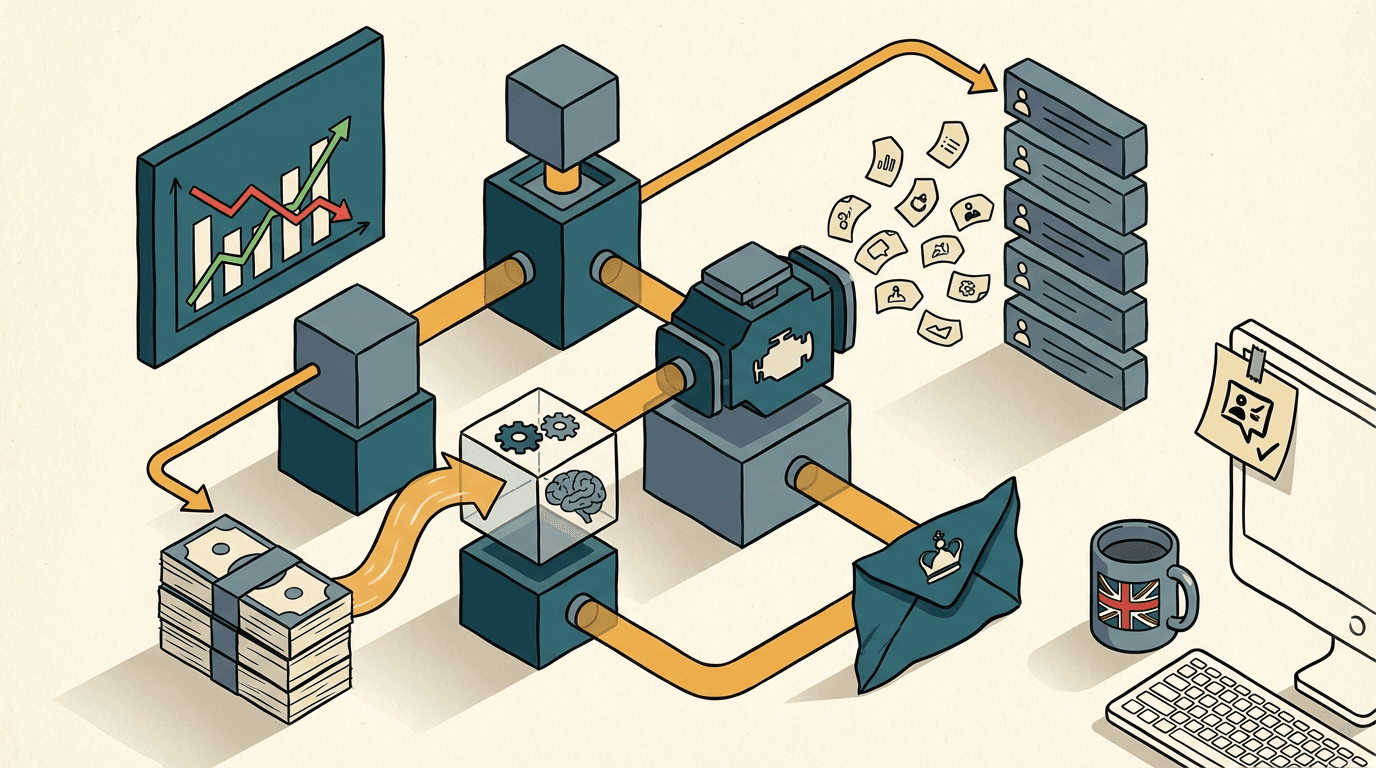
You paste your product URL into a blank field. You click a button. Five minutes later, LinkedIn has generated your ad copy, built your audience targeting, and set your bids. You sit there looking at your screen, wondering what your £4,000-a-month performance marketing agency actually does all day.
This is the reality of LinkedIn Accelerate. It's an automated campaign creation tool that takes the heavy lifting out of B2B advertising. It works. The platform builds campaigns in minutes. It gets ads live faster than a human ever could.
But speed isn't strategy. Getting an ad live quickly doesn't mean the ad is landing on the screen of an operations director with budget. If you just paste your homepage URL and hit launch, you're going to learn a very expensive lesson about how machine learning interprets business value.
The broad-match budget bleed

The broad-match budget bleed is the money you lose when an automated ad platform optimises for cheap actions instead of actual B2B buying power. This happens because AI models are fundamentally lazy. They're programmed to find the path of least resistance to your stated goal. If you tell an algorithm to get you lead form submissions, it will find the people most likely to fill out a form.
In the B2B world, the people most likely to fill out a form are rarely the people who can sign a £30,000 contract. They're junior analysts doing research. They're students looking for internship material. They're bored middle managers downloading whitepapers.
This structural flaw hits UK SMEs hard. You don't have the £100,000 monthly ad spend required to let the algorithm make mistakes and correct itself. Every pound matters. When LinkedIn Accelerate looks at your campaign, it sees a vast pool of 1 billion users. It wants to deliver the lowest cost per lead possible to prove its own value to you.
The platform succeeds at this narrow metric. Recent data shows Accelerate delivers up to a 52% lower cost per action compared to manual campaigns. That sounds fantastic in a board meeting. It looks great on a reporting dashboard.
But a cheap lead is only valuable if it converts to pipeline. If your sales reps spend their afternoon calling twenty graduate trainees who have no purchasing authority, that 52% cost reduction is an illusion. You're just paying less money to acquire useless data. The system is working exactly as designed, but it's solving for the wrong variable. You have to force the AI to care about revenue, not just clicks.
Why the obvious fix fails
The most common fix fails because adding manual exclusions can't override an AI that has already built its core targeting model around generic keywords. The standard advice from digital marketing agencies is to trust the system. They tell you to feed LinkedIn Accelerate your homepage URL, set a healthy daily budget, and give the AI two weeks to find its own signals.
Don't do this. I see this exact failure pattern every month. Letting an AI find its own signals on a B2B platform is financial self-sabotage.
Most SMEs try to fix the resulting poor lead quality by adding hundreds of manual exclusion lists later. They upload lists of competitors. They exclude specific job titles. They block certain industries. They try to put guardrails around the AI after it has already started running in the wrong direction.
This fails because of how the underlying mechanism actually parses your inputs. When you give Accelerate a URL, the natural language processing model scrapes your page to extract entities and intent. It maps those extracted keywords to LinkedIn's audience graph.
Here is the exact point where it breaks. If your SaaS website has a clean, modern design with minimal text and a broad headline like Empower your team to work faster, the NLP model extracts generic concepts. It registers team, work, and faster. It doesn't register CFOs at mid-market logistics firms. The AI then builds a targeting model based on those generic concepts.
Once the campaign is live, the algorithm starts serving impressions. It quickly notices that junior staff click the ad at a higher rate than senior executives. The machine learning model interprets this as a success signal. It aggressively shifts your budget toward the junior demographic to lower your cost per action.
Adding exclusions at this stage is like trying to steer a train by throwing pebbles at the wheels. The core targeting model is already poisoned. The AI has decided what your product is and who wants it. If you try to force it away from its preferred cheap audience, the algorithm simply stops spending your budget because it can't find enough people who meet your new, contradictory constraints.
The approach that actually works

The only reliable way to control the AI is to feed it a hyper-specific, hidden seed page and close the feedback loop with offline conversion data. You don't feed the AI your homepage. You build a trap for it.
The goal is to control the initial entity extraction. You need to create an unlinked landing page on your website specifically designed to be read by a machine, not a human. I usually build this with a plain text page in Webflow.
Let's say you sell compliance software to UK financial directors. The URL is yoursite.com/accelerate-seed. You strip out all the marketing fluff. You write dense, highly specific text loaded with exact job titles and negative constraints. You write sentences like: This software is exclusively for Chief Financial Officers and Finance Directors at UK companies with over £10 million in revenue. This is not for students, junior accountants, or small businesses.
You paste that specific URL into LinkedIn Accelerate. The NLP model scrapes it. It extracts Chief Financial Officer, Finance Director, and £10 million revenue. It builds a tight, accurate audience model from second one.
But you can't stop there. You have to close the feedback loop so the AI learns from pipeline, not just form fills.
Here is the operational stack. You run the Accelerate campaign using a native Lead Gen Form. When a prospect submits the form, a Make webhook catches the payload. Make sends the prospect's job title and company size to the Claude API with a strict JSON schema. You prompt Claude to score the lead from 1 to 10 based on buying power.
If Claude scores the lead below a 7, Make updates HubSpot to mark the contact as disqualified. The automation stops there.
If Claude scores the lead an 8 or above, Make updates HubSpot and then fires a POST request to the LinkedIn Conversions API. It tells LinkedIn: This specific lead was a high-value conversion.
Now, the Accelerate algorithm is receiving offline conversion data. It stops optimising for the sheer volume of form fills. It starts looking for the specific behavioural patterns of the people who trigger that high-value API ping. You've successfully bypassed the broad-match budget bleed.
Building this architecture takes about two weeks. Expect to spend £3,000 to £6,000 on the setup, depending on how messy your current HubSpot instance is.
The main failure mode is API token expiration. If your LinkedIn Conversions API token silently expires, the feedback loop breaks. The AI goes blind and reverts to optimising for cheap clicks. I catch this by building a daily Slack alert in Make that reports exactly how many offline conversions were successfully sent back to the platform. If that number is zero for two days, you know you have a technical fault.
Where this breaks down
This automated feedback loop breaks down entirely if your total addressable market is too small to provide the algorithm with statistically significant data. The architecture is highly effective, but it requires a specific environment to function.
Machine learning models require data volume to find patterns. If your business only sells to the top 50 retail banks in the UK, your total pool of buyers might be fewer than 800 people. Accelerate can't optimise a campaign for an audience that small. The AI will panic. It will either refuse to serve any impressions at all, or it will aggressively ignore your constraints and start showing ads to bank tellers just to spend your daily budget.
Before you commit to this build, check your audience size. You need a realistic target market of at least 50,000 professionals for the algorithm to have enough breathing room to test, learn, and refine.
It also breaks down if your sales cycle relies heavily on offline, unrecorded touchpoints. If your sales reps are closing deals over WhatsApp or at industry dinners without logging those interactions in HubSpot, the Make automation has no data to send back to LinkedIn. The AI can only optimise against the reality you explicitly show it. If your CRM is a graveyard, your campaigns will fail.
What to do now
- Open your website CMS today and build the seed page. Use plain text. Write exactly who your target buyer is and explicitly name who you don't want to talk to. Publish it on a hidden URL that doesn't appear in your main navigation.
- Go to your LinkedIn Campaign Manager. Start a new Accelerate draft. Paste your new hidden URL into the input field and review the suggested audience. You'll immediately see a tighter, more senior demographic profile than you get from your homepage.
- Open Make and create a new scenario. Set the trigger to watch for new LinkedIn Lead Gen Form submissions. Add a router step. Send the data to your CRM first, then add a module to send qualified leads back to the LinkedIn Conversions API.
- Check your API connections weekly. Set a recurring calendar reminder to verify that your CRM is actively pushing offline conversion data back to the ad platform. Don't assume the integration is working just because it worked last month.
Get our UK AI insights.
Practical reads on AI for UK businesses — teardowns, how-to guides, regulatory news. Unsubscribe anytime.
Unsubscribe anytime.